AI in HRMS: Built Into HR Workflows vs Added as a Chatbot
Almost every HR software vendor now says its product has AI. In a demo the claim usually takes the form of a chat window in the corner of the screen. You type a question, a paragraph comes back, and the salesperson moves on. What the chat window is connected to, what it is allowed to do, and what happens when it is wrong are rarely discussed.
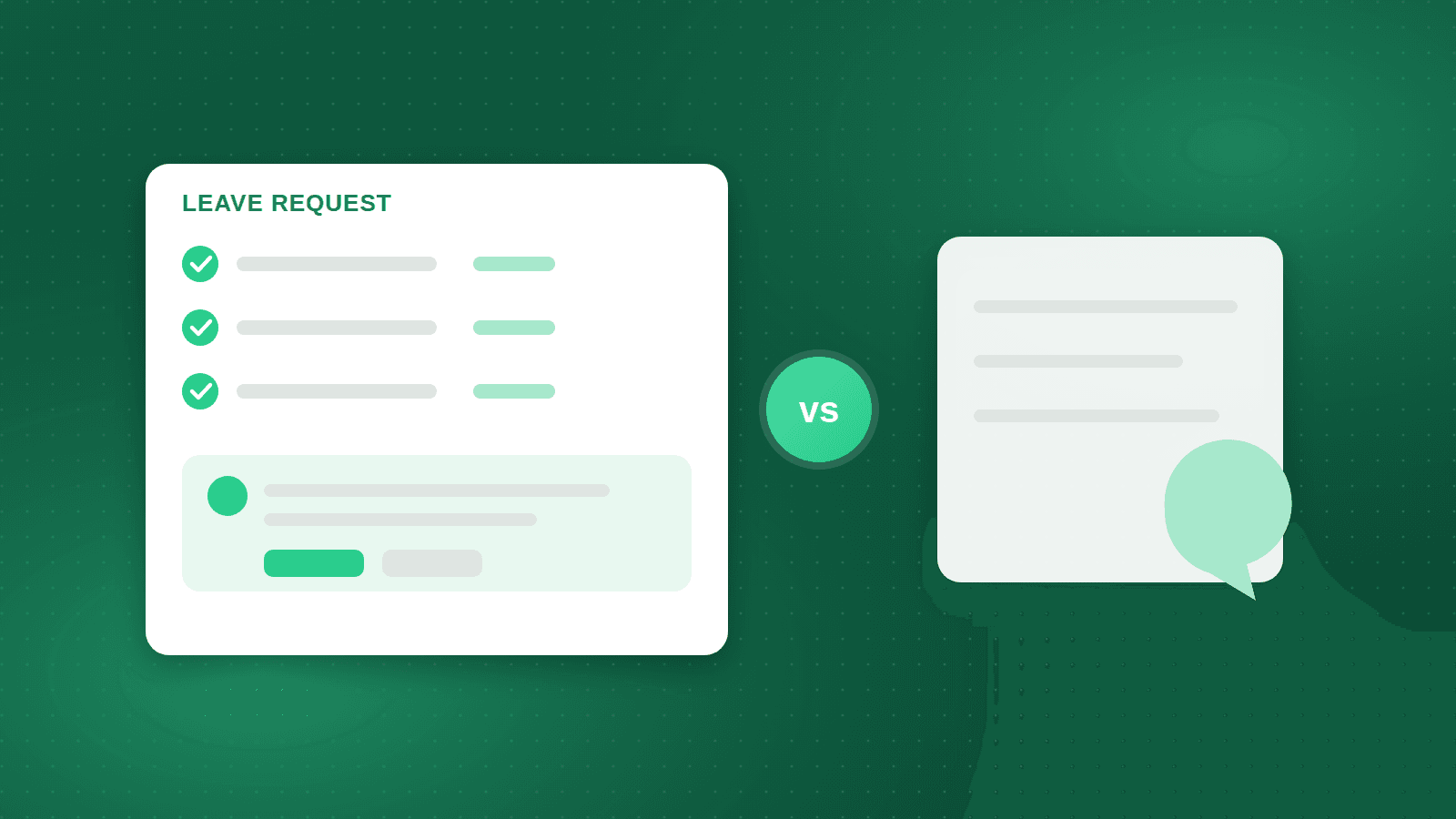
For an HR director or a CIO the distinction that matters is not which model sits behind the window. It is whether the assistant is part of the HR workflow, reading the organisation's own data and handing off to the same approval chains and payroll rules as everything else, or whether it is a separate chatbot bolted onto the side, answering from general knowledge and a few uploaded policy documents.
This article sets out the difference, why it matters for accuracy, governance and adoption in Arabic-speaking workforces, and how to test it in a demo before you sign.
What a detached chatbot actually does
A detached chatbot is a language model with a conversation interface and, typically, a set of documents it can search: the employee handbook, a leave policy, some FAQs. When an employee asks how many leave days they have left, the chatbot can explain the leave policy, but it cannot see that employee's balance because it is not connected to the leave ledger. It answers the general question, not the personal one.
This is useful in a limited way. Policy questions are answered faster, and HR stops repeating the same explanations. But the moment a question depends on a person's own record, the chatbot either guesses, gives a generic answer, or tells the user to contact HR, which is exactly the outcome it was meant to avoid. Because it lives outside the system, it also cannot act: it cannot submit the leave request, it can only describe how to do it.
What an embedded assistant does differently
An embedded assistant runs inside the HRMS with the same identity, permissions and data as the user who is speaking to it. When the same employee asks about leave, the assistant reads their actual balance, their approval chain and the calendar, answers with the number, and offers to submit the request. The request then goes through the ordinary workflow: the manager approves it in the same place as every other request, and the payroll engine sees the same record.
The strategic version of this is an assistant for HR leadership that answers questions from the organisation's own data: headcount by entity and nationality, overtime cost by site this quarter compared with last, turnover in a department, contracts expiring in the next sixty days. This is reporting without building a report. The value comes from the connection to live, permission-filtered data, not from the fluency of the answer.
Grounding: where the answer comes from
The technical word for the difference is grounding. A grounded assistant composes its answer from records it has retrieved from your system for this user, and can show which records it used. An ungrounded assistant composes its answer from what it learned during training and whatever documents it was given. The two can sound identical. Only one of them can be audited.
In HR the consequences of an ungrounded answer are concrete. An employee told the wrong end-of-service figure will plan around it. A manager told the wrong overtime total will approve the wrong cost. Ask every vendor the same question: when the assistant states a number, where did that number come from, and can the user click through to the record? If the answer is vague, the assistant is not grounded.
Confirmation before action
An assistant that can act needs a boundary between answering and doing. The right pattern is confirmation: the assistant prepares the action, shows exactly what it is about to submit, and waits for the user to confirm. The action then runs through the normal system rules, including approval chains, so that the assistant never becomes a way to bypass the process.
Ask the vendor which actions the assistant can take and which it cannot. Submitting a leave request, requesting a salary certificate or downloading a payslip are reasonable. Changing a salary, approving one's own request or editing an attendance record are not, whatever the assistant is asked. The list of permitted actions should be a configuration decision made by your HR and IT teams, not a property of the model.
Arabic and English in the same conversation
In MENA workforces the employee assistant will be used mostly in Arabic, often in dialect, often from a phone, by people who never learned the HR system's menus. The strategic assistant will be used in both languages by managers who switch between them mid-sentence. An assistant that is only fluent in English, or that handles Arabic by translating to English and back, produces answers that are slower and less natural, and it stumbles on Arabic names, dates and document types.
Test this directly. Ask a leave question in Arabic and see whether the answer, the balance and the confirmation are all in Arabic. Ask a management question that mixes an English term with an Arabic sentence. Check that the assistant respects the same language preference as the rest of the interface and does not switch unexpectedly.
Governance: permissions, logs and limits
An assistant with access to HR data is a new user of that data, and it should be governed like one. Three controls matter. First, permissions: the assistant must see exactly what the person asking can see, no more, and this must be enforced by the system rather than by prompt instructions. Second, logging: every question, answer and action should be recorded so that HR and audit can review them. Third, limits: clear rules about what the assistant will not answer, such as another employee's salary, and how it refuses.
Ask also about the data path. Does the employee's data leave the HRMS to reach the model, and where is the model hosted? Is the organisation's data used to train anything? The answers should be written into the contract, not left to the demo.
How to evaluate it in a demo
Bring a script and your own scenarios. Ask the assistant a personal question that requires a record, such as the balance of a specific leave type for a named test employee. Ask it to submit a request and watch whether it confirms first and whether the request then appears in the manager's approval queue. Ask a management question that needs a calculation across data, such as overtime cost by site for a period, and ask to see the underlying records.
Then try to break it. Ask for a colleague's salary. Ask it to approve a request as the same user who submitted it. Ask about a policy that does not exist and see whether it invents an answer or says it does not know. Ask the same question in Arabic. A well-built assistant will be boring in these tests: correct, limited and consistent. A chatbot will be fluent and occasionally wrong, which is worse.
Where a workflow-embedded assistant already exists
Orgarise includes two AI assistants that answer from the company's own HR data, in Arabic and English. The employee assistant works inside the self-service portal and mobile app alongside payslips, leave, letters and approvals, so a question about leave is answered from the employee's real balance and a request goes through the configured approval chain. The strategic HR assistant answers management questions from the same personnel, attendance and payroll data with the same permissions.
Because the assistants sit inside a single system that already holds personnel, attendance, payroll and self-service records, there is no separate integration to build or maintain between the chat layer and the data. Staff Arabia, an HR outsourcing provider that supports more than 33,000 employees across client companies, runs payroll, personnel and self-service on Orgarise. At that scale, the difference between an assistant that reads the same records that produce the payslip and one that reads a policy document is the difference between a help desk that closes tickets and one that creates them.
The practical takeaway: buy the workflow, not the window
When a vendor shows you AI, ask three questions: what data does it read, what can it do, and who checks it. If the assistant reads live records with the user's permissions, acts only after confirmation through the normal workflow, and logs everything, it is part of the HRMS. If it reads documents and talks, it is a chatbot, and you should price it accordingly.
Frequently asked questions
Is an HR chatbot the same as an AI assistant built into the HRMS?
No. A chatbot answers from general knowledge and uploaded documents and cannot see an individual's records or act in the system. An embedded assistant reads live data with the user's permissions and hands actions to the normal workflow. They can sound alike in a demo but behave very differently in use.
Can an AI assistant change employee data or approve requests?
It should not change master data or approve anything on its own. The safe pattern is that the assistant prepares a request, shows it for confirmation, and submits it into the standard approval chain. Which actions are permitted should be a configuration decision made by HR and IT, not by the vendor.
Does an HR AI assistant work in Arabic?
It should, natively rather than through translation, because most employees in MENA will use it in Arabic from a phone. Test it with Arabic questions about leave and payslips and with mixed Arabic and English management questions. Orgarise's assistants answer in Arabic and English from the same HR data.
What should we ask about data privacy when evaluating AI in an HRMS?
Ask whether employee data leaves the HRMS to reach the model, where the model is hosted, whether your data is used for training, and how the assistant's permissions are enforced. Ask for a log of questions and actions. Put the answers in the contract.
Staff Arabia — 33,000+ employees supported
A leading regional HR-outsourcing provider runs compliant payroll for its clients on Orgarise.
33,000+
Employees supported
Since 2000
HR-services expertise
3 regions
MENA, Africa and Asia
See how Orgarise handles this
A 30-minute demo on your own scenario, in Arabic or English.