Cloud HRMS vs Legacy HR Systems: An Enterprise Migration Guide
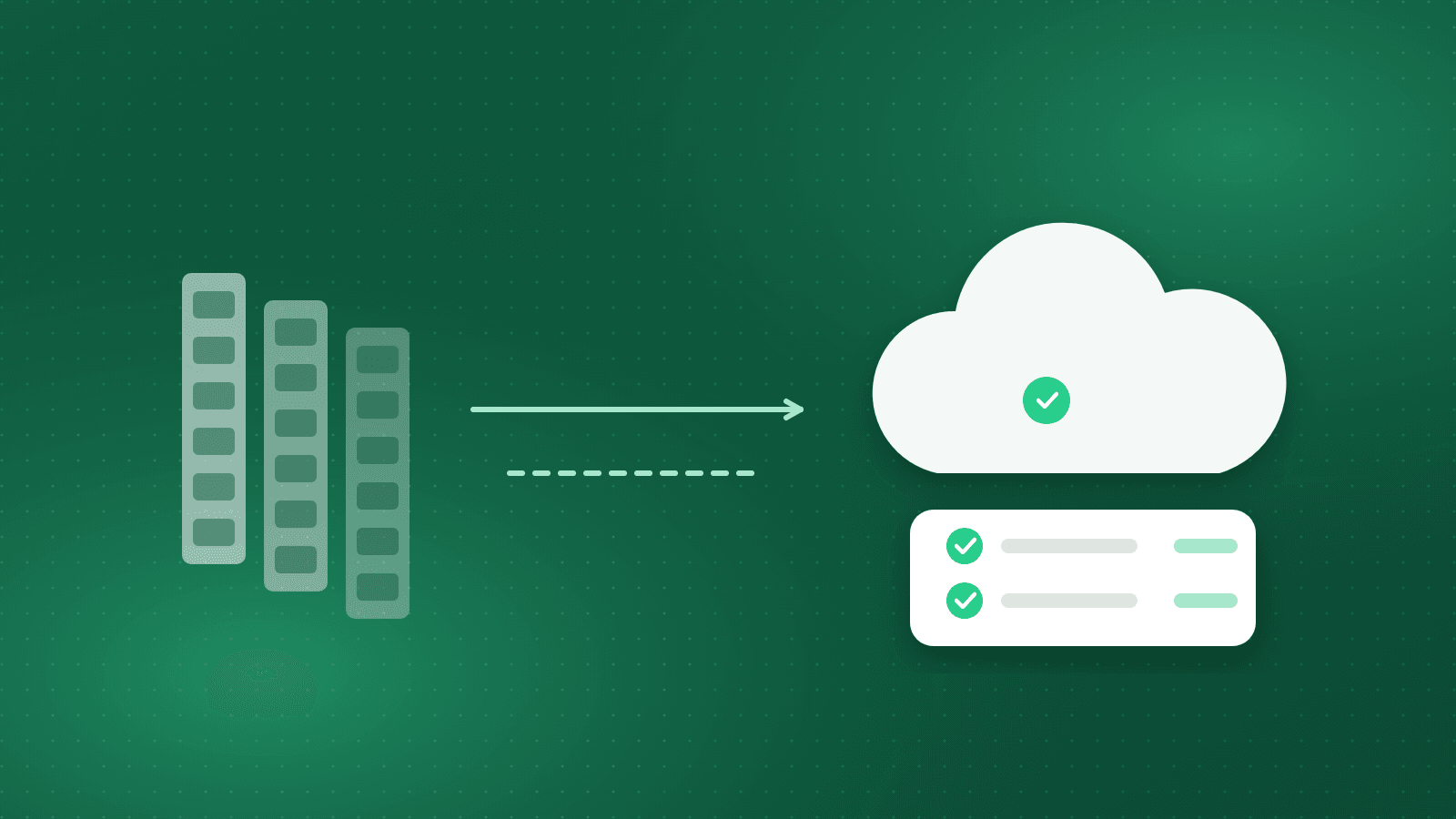
Most organisations in Egypt and the Gulf that are still on a legacy HR system did not choose it recently. It was installed a decade or more ago and has been patched, extended and worked around ever since. It holds the employee master, calculates payroll, and produces the reports the finance team knows. The people who understood its internals have often left.
The question of moving to a cloud HRMS usually arrives from outside HR: a server reaching end of life, a database version no longer supported, a labour-law change that the old system cannot absorb without a developer, or an auditor asking for records the system cannot produce. At that point the migration is no longer optional. What remains open is how to do it without losing history, breaking payroll, or stalling for a year.
This guide is about the migration itself: what to move, in what order, how to prove the new system is right before you switch, and what to write on the cut-over checklist. It is written for the HR director, CFO or IT lead who will sign off on the go-live.
What "legacy" actually means for the migration
A legacy HR system is not defined by its age but by four properties that shape the migration. First, the data model is usually flat: one employee row with many columns, rather than dated records of position, salary and contract. Second, business rules live in code, stored procedures or spreadsheets next to the system, not in configuration you can read. Third, documents are scattered: scanned contracts in a shared folder, letters in a word-processor template, ID copies in a filing cabinet. Fourth, history is partial: the system may hold the current salary but not the history of increments, or the current leave balance but not the transactions that produced it.
Each of these properties creates a specific migration task. Flat data needs to be turned into dated records. Rules need to be rediscovered and re-expressed as configuration. Documents need to be gathered, named and attached to the right employee. History needs to be reconstructed to the depth the law and the business need. Naming these tasks early is what keeps the project from becoming a vague "data migration" line in a plan.
What to migrate, and what to leave behind
The core of the migration is the employee file. For every active employee you need the identity data (name in Arabic and English, national ID or iqama, passport, nationality, date of birth), the employment data (hire date, contract type and dates, probation, position, grade, department, cost centre, manager), the pay data (salary structure and every element, bank account, tax and social-insurance status) and the dependants and documents the law requires. This data must be correct on day one because payroll runs on it.
Contracts deserve their own line. In Egypt, Labour Law 14/2025 requires Arabic contracts in four copies and five-year record retention, so the migration should capture the signed contract as a document and its key terms as data. In Saudi Arabia the contract terms drive the end-of-service calculation, so the start date and contract type must be exact.
Balances are the third group: annual leave, sick leave, other leave types, loans and advances, and accrued end-of-service. A balance without its history is fragile, because the first dispute after go-live will ask how it was calculated. The practical compromise is to migrate opening balances as at the cut-over date, with the prior years' transactions migrated where they exist and archived in a readable form where they do not.
Then there is history: past payslips, past positions, past appraisals, past attendance. Not all of it needs to be inside the new system. A useful rule is to migrate what the new system will compute from (salary history for retroactive calculations, service dates for end-of-service, insured-wage history for the mandatory increment in Egypt) and archive the rest in a searchable read-only store. Leavers are usually archived rather than migrated, unless a rehire or a pending claim requires them.
Leave behind the things that were never clean: duplicate employee codes, departments that no longer exist, custom fields nobody can explain. A migration is the one moment when you can retire them without anyone objecting.
Sequencing: organisation first, people second, money third
Migrations fail when everything is loaded at once. A sequence that works in practice starts with the organisational structure: legal entities, locations, departments, positions, grades and the approval chains attached to them. In a system such as Orgarise these are built in the Organizational Management module and everything else hangs from them, so they must exist before a single employee is loaded.
The second step is the employee master: identity, employment and documents, loaded and reconciled against the legacy headcount by entity and department. The third step is pay: salary structures, elements, bank details, tax and insurance settings, followed by opening balances. Attendance rules, shift calendars and device enrolments come next, because they only matter once employees and their positions exist. Self-service, recruitment and performance modules are typically switched on after the first successful payroll, when the master data is stable.
Each step ends with a reconciliation report signed by the owner of that data: HR for the master, finance for pay, operations for shifts. Signing is not a formality. It is the point where responsibility for the data passes from the project team to the business.
Rediscovering the rules
The hardest part of most legacy migrations is not the data but the rules hidden in code. A tax calculation that someone adjusted years ago and never documented. An overtime rate that differs for one plant because of an old agreement. If these are copied blindly, the new system inherits errors; if they are ignored, payroll changes without anyone deciding it should.
The method is to take the last three payroll runs from the legacy system and explain every line. Each element, deduction and contribution must map to a rule that can be stated in one sentence and then configured in the new system. Where the rule is wrong under current law, such as an income-tax bracket or a social-insurance floor that was not updated, the project records the correction and the date it takes effect. In a configurable HRMS these rules become salary structures and calculation settings rather than code, which also means they can be read and audited later. Orgarise, for example, keeps the Egyptian and Saudi tax and social-insurance engines as configuration, so a change in a bracket or a GOSI rate is a setting change rather than a development ticket.
Validation and the parallel run
There are two kinds of validation, and both are needed. Data validation checks that what was loaded matches what was extracted: counts by entity and department, sums of basic salary by grade, sums of leave balances by type, and a field-by-field comparison for a random sample of files. It is done after each load and before the parallel run.
The parallel run validates the calculations. For at least one full pay cycle, and ideally two, both systems process the same month. Every difference between the two payrolls is listed and classified as a migration error, a legacy error now corrected, or a genuine rule difference approved by finance. The parallel run ends when the differences are all classified and the remaining ones are the intended ones. Attendance can be run in parallel in the same way, with the new devices or mobile punches feeding the new system while the old timesheets continue.
Run the parallel on a month with some complexity: a Ramadan month in Saudi Arabia, a month with a public holiday and overtime in Egypt, a month with leavers and their end-of-service. A quiet month proves little.
An organisation that migrates payroll for many client companies faces this problem repeatedly. Staff Arabia, an HR outsourcing and payroll provider in Cairo since 2000 that supports more than 33,000 employees across client companies in MENA, Africa and Asia, runs payroll, personnel and self-service on Orgarise. Their experience points to two lessons that apply to any single employer: geo-fenced mobile punching removes a class of attendance disputes that used to surface at payroll time, and payroll accuracy improves when the calculation rules are configured once and applied consistently rather than reinterpreted each month.
Data residency, cloud and on-premise
Enterprise buyers in the region ask where the data lives, and the answer shapes the migration. A cloud deployment removes the server end-of-life problem that often triggered the project and makes the mobile and self-service parts simpler to deliver. An on-premise or private deployment keeps the data inside the organisation's own infrastructure, which some regulated employers, government-linked entities and groups with strict security policies require. Decide early, because the choice affects how integrations, backups and access are designed.
What matters more than the label is the control set: who can export data, how backups are taken and restored, how access is logged, and how the vendor handles a request to delete or return data at the end of the contract. Ask for those answers in writing. Orgarise offers both cloud and on-premise deployments, and the migration steps described here are the same for either.
The cut-over checklist
The cut-over is the weekend, or the few days, when the legacy system stops being the source of truth and the new one starts. The checklist below is what a mature project has in place before that date. The final extract from the legacy system has been taken and the system frozen for changes. The final data load has been reconciled and signed by HR, finance and operations. The parallel-run differences have all been classified and the approved rule changes are documented with effective dates.
Users have been trained on the tasks they will perform in the first two weeks, not on the whole system. The self-service portal and mobile app have been tested by a pilot group, in Arabic and English, on real payslips. Integrations to the bank, the ERP general ledger and the attendance devices have been tested with real files. Support arrangements for the first payroll are agreed with named people and hours. A rollback plan exists and has been read by the people who would execute it.
Mid-market migrations with clean data and a small number of modules typically go live in a few weeks; larger multi-entity projects take longer mainly because of the parallel run and the rule rediscovery, not the technology.
Takeaway: migrate the rules, not just the rows
A legacy migration that only moves data produces a new system with old mistakes. The work that pays off is rediscovering the rules, expressing them as configuration you can read, and proving them in a parallel run on a difficult month. Sequence the load as organisation, people, money, and sign each step. Decide cloud or on-premise on the basis of written controls, not labels. With that discipline, the cut-over is a checklist rather than a gamble.
Frequently asked questions
How long should the parallel run last?
At least one full pay cycle and ideally two, chosen to include real complexity such as Ramadan hours, public-holiday overtime or leavers with end-of-service. It ends when every difference between the two payrolls has been classified and only approved rule changes remain.
Should we migrate historical payslips into the new HRMS?
Migrate what the new system will calculate from: salary history, service dates and insured-wage history. Older payslips and records can be archived in a searchable read-only store that satisfies retention rules without cluttering the live system.
Can we keep HR data on our own servers and still use a modern HRMS?
Yes. Some vendors offer on-premise deployment alongside cloud. The migration steps are the same; what changes is who operates the infrastructure and how backups, access logging and data return are handled, which should be agreed in writing.
Who should sign off each migration step?
The business owner of the data, not the project team: HR for the employee master, finance for pay elements and balances, operations for shifts and attendance rules. Signing a reconciliation report is the point where responsibility for the data transfers to the business.
Staff Arabia — 33,000+ employees supported
A leading regional HR-outsourcing provider runs compliant payroll for its clients on Orgarise.
33,000+
Employees supported
Since 2000
HR-services expertise
3 regions
MENA, Africa and Asia
See how Orgarise handles this
A 30-minute demo on your own scenario, in Arabic or English.